AiR version 4.0 is the latest iteration of the Auto Iframes Remover based on Manifest version 3. It Still automatically removes all Iframes from web pages or websites. except whitelisted ones of course.
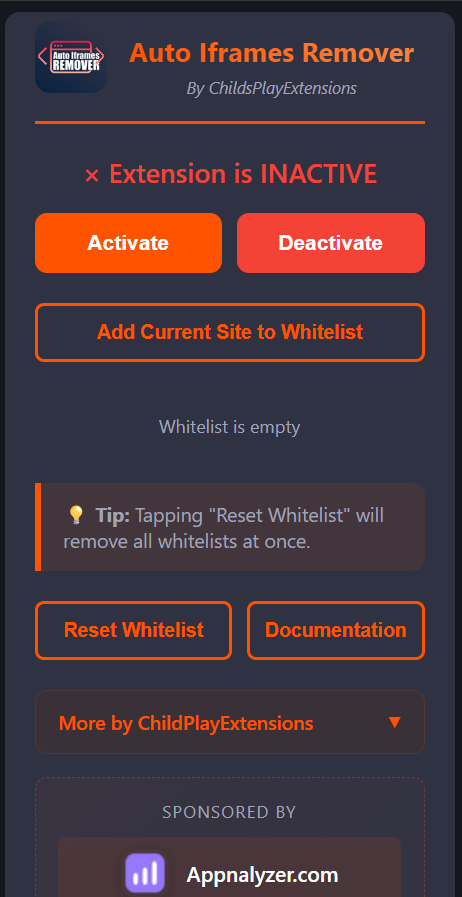
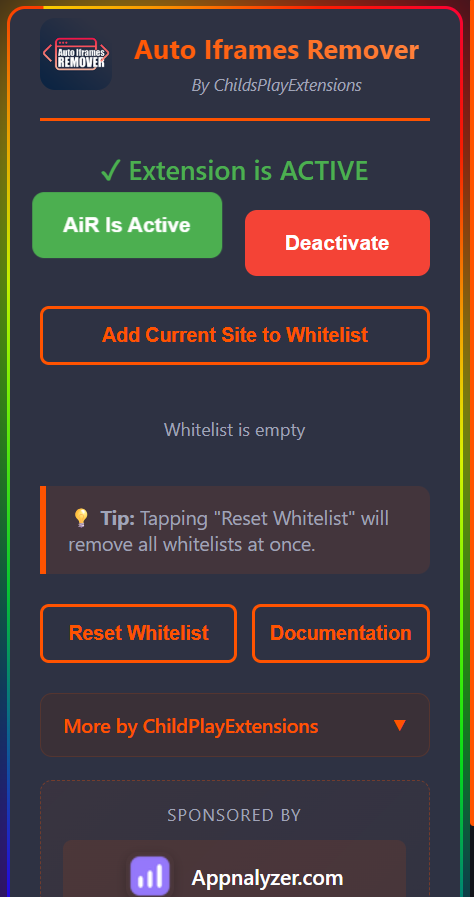
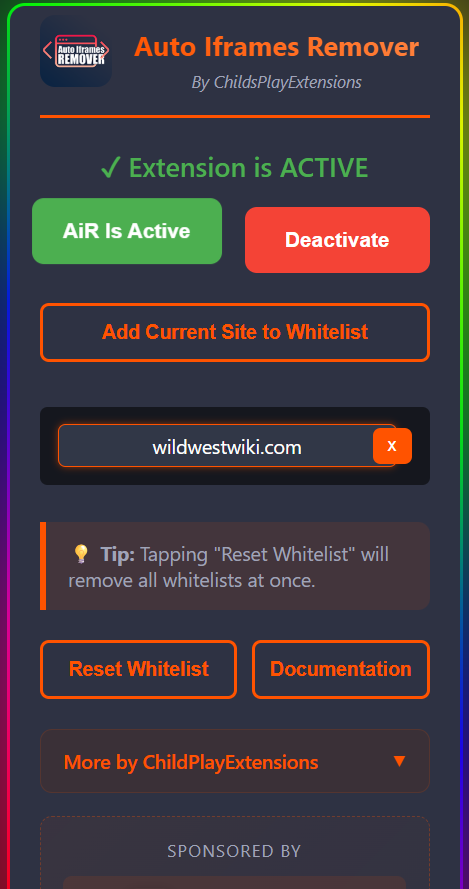
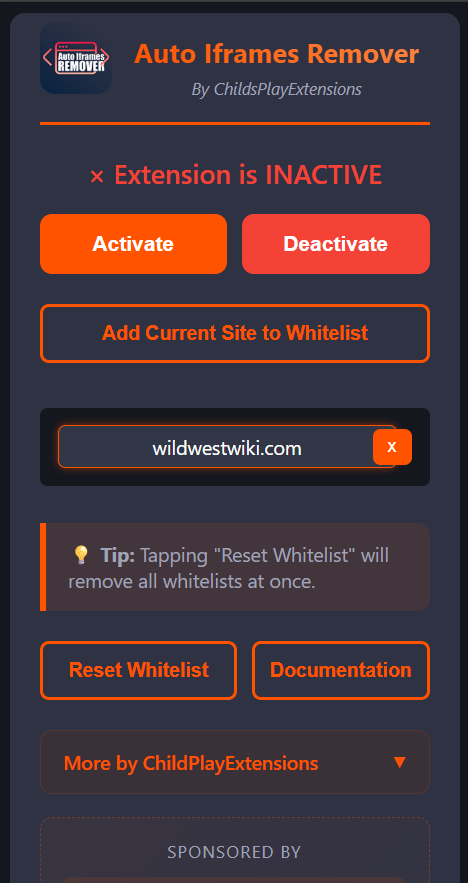
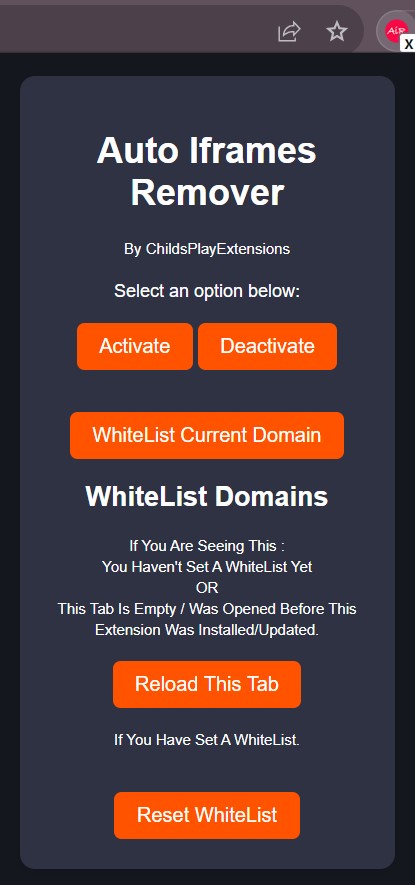
<----Air Version 3.6.9 Fresh Install
Usage Instructions
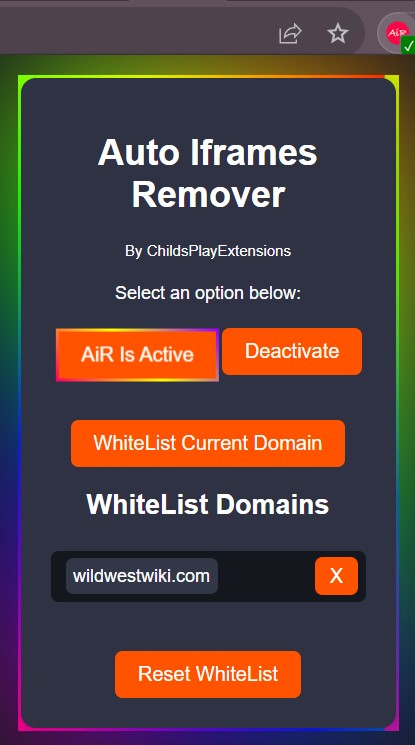 To make the Extension run: Hit the Activate Button. When Active the border of the extension and Activate Button are animated.
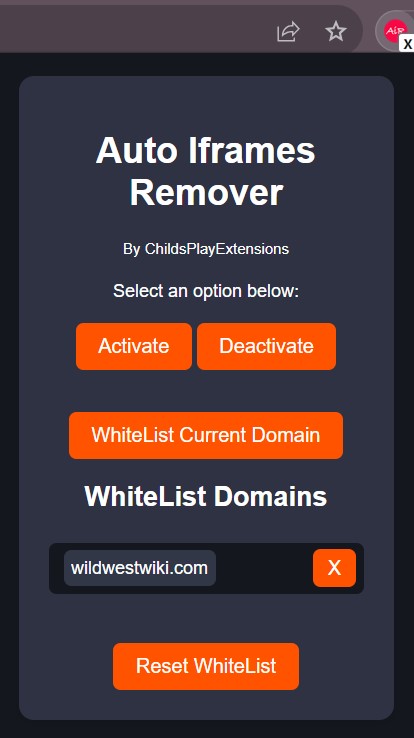
To make the Extension Stop: Hit the Deactivate Button
To whitelist a domain, simply click the "WhiteList Current Domain" button whiles visiting the website you want to whitelist.
To Remove Whitelist, simply click the "X" button by the name of the domain.
To remove all whitelisted domains, simply hit the "Reset" button.
Extension Badges And What they Mean
Green Background And Check Mark : Extension is Active / Domain is on the WhiteList./ No Iframes Removed
Yellow Badge and Some Number : Extension Is Removing Iframes. - Note : The number shown on the badge is the number of iframes that were found once the page started Loading. Iframes that pop up later and are removed and not counted in this version.
White Background With X : Extension Has Been Deactivated.
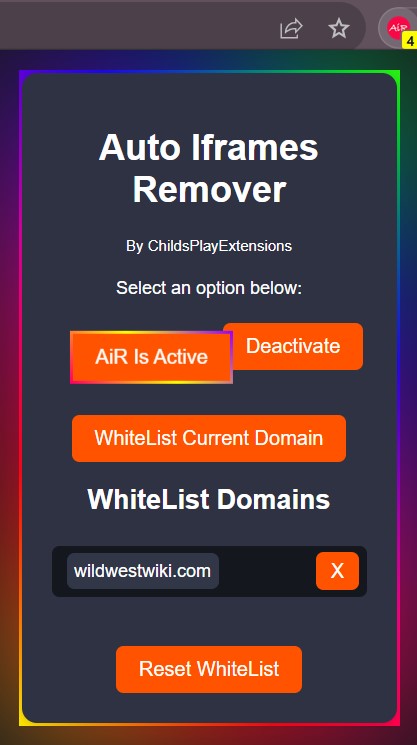
Download The Extension From The Chrome Webstore
https://chrome.google.com/webstore/detail/auto-iframes-remover/fhenkighldilmobhdgopkhejbaainnfm
 Auto Iframes Remover (AiR) - A simple chrome extension that automatically removes all Iframes from web pages or websites. The extension runs at document_start and with a set Interval of 100 ms. (Extension runs every 100ms)
This simply means the extension will start removing iframes on a website once the user starts to load a webpage and it will continue to automatically remove iframes that will spun later as the page loads which means, once the extension is activated in your browser, iframes have no chance of showing or loading on websites you visit.
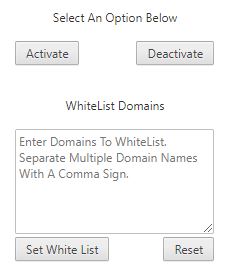
AiR version 0.3.9 (beta) is intentionally kept light weight with a simple interface with little to no CSS styling.
The interface is intuitive with an activatebutton to activate the extension, a deactivate button for stopping the extension from running, A textarea for user to enter domains to white list ie.
AiR wont run when it detects or when you open a website that's whitelisted. A set white list Button, - Click to add website to white list after typing it in the text area and a Reset Button to empty white list and run extension on all websites. By default, AiR will run on all websites.
When inactive, Air shows a White Background and a light | Sea Blue Background when Active.
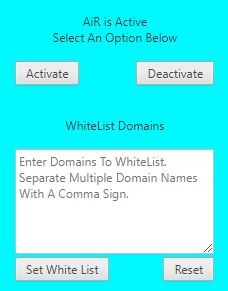 <-- Auto Iframes Remover is Active
To White List a Domain, Simple Enter the name of the domain in the text area and click the set white list Button. To white list multiple domains, simply enter the names of the domain followed by a comma : Eg.
Examplewebsite.com,examplewebsite1.com,examplewebsite2.com
To Remove all Whitelists, simply hit the Reset Button
To test if the extension is working, simply activate it an head to a website that uses iframes to load some content (videos, ads etc). The iframes will disappear or not load.
The extension will open this page the first time its installed, when the extension is updated and when your browser is updated.
Download The Extension From The Chrome Webstore
https://chrome.google.com/webstore/detail/auto-iframes-remover/fhenkighldilmobhdgopkhejbaainnfm
Download The Addon For Firefox
https://addons.mozilla.org/en-US/firefox/addon/auto-iframes-remover/